Posted on

The Best Head Tracker for Microsoft Flight Simulator

The Best Head Tracker for Microsoft Flight Simulator

Are you looking for the best head tracker msfs pilots rely on? Therefore, achieving true 6DOF cockpit immersion is essential. Finding the best head tracker msfs option is not just a luxury. Instead, it is a necessity for serious simmers. As a result, it provides total situational awareness that simple keyboard shortcuts cannot match.
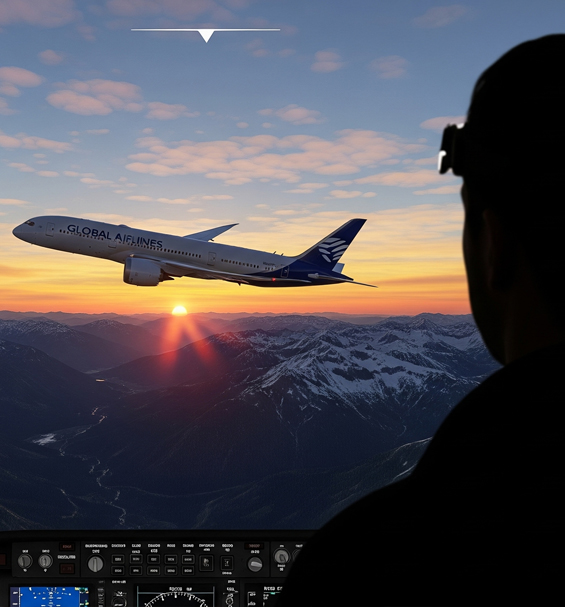
The best head tracker msfs setup showing a realistic flight simulator cockpit view

In this guide, we explore why 6DOF tracking changes flight simulation. In addition, we cover key features to look for in your setup.

What is 6DOF and Why Does It Matter for Flight Simming?

6DOF stands for Six Degrees of Freedom. Specifically, it tracks your head across six distinct axes. These include forward, backward, up, down, left, and right. Furthermore, it tracks pitch, yaw, and roll. Because of this, high-precision gear translates every small head movement directly into your virtual cockpit view.

For example, lean forward to inspect small instrument gauges easily. Your view zooms in smoothly. Similarly, crane your neck to check runway alignment on final approach. Consequently, the camera responds without delay. For this reason, natural motion tracking is key to true simulator immersion.

Key Features of the Best Head Tracker MSFS Pilots Rely On

Keep these performance features in mind when selecting head tracking gear:

  • Accuracy and Responsiveness: Smooth, jitter-free tracking is vital. Because quality IR LEDs are used, they ensure ultra-low latency while flying.
  • Ease of Setup: Quality solutions offer simple plug-and-play installation. Therefore, you spend your time flying rather than configuring settings.
  • Build Quality and Durability: Choose a light yet sturdy clip design. As a result, it stays comfortable during long flights without causing fatigue.
  • Software Compatibility: Look for seamless integration with OpenTrack software. Consequently, it supports MSFS, Elite Dangerous, and IL-2 Sturmovik.

Why TrackIT Delivers the Ideal TrackIR Alternative

Our TrackIT Pro models deliver these essential features at an accessible price. In fact, TrackIT provides pinpoint accuracy and lightweight comfort. In addition, it offers full software support right out of the box.

Therefore, upgrade your flight deck with precise infrared tracking today. Consequently, you eliminate camera panning hassle completely. As a result, unlock natural, head-controlled awareness in every flight scenario.
Posted on

Transform Your Drive: Why Head Tracking is a Must-Have for Sim Racing & Trucking

Transform Your Drive: Why Head Tracking is a Must-Have for Sim Racing & Trucking

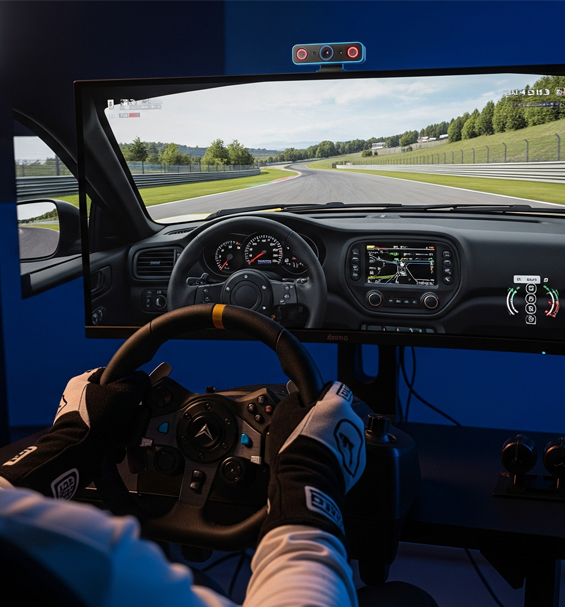
If you want the ultimate setup, using head tracking sim racing ets2 gear provides an incredible level of immersion. Consequently, adding a head tracker turns static virtual driving into an active experience for drivers.

A first-person view showing head tracking sim racing ets2 action in a virtual cockpit

A force-feedback wheel and a solid set of pedals are standard issue. However, adding dedicated infrared tracking is just as revolutionary for drivers as it is for pilots. Therefore, let us explore why head tracking sim racing ets2 gear is an essential piece of kit for any serious driver.

Why Head Tracking Sim Racing ETS2 Gear Improves Apex Control

In sim racing, looking toward your apex is essential for fast lap times. For example, a quality head tracker lets you physically turn your head to spot corner exits early. As a result, this natural movement allows you to anticipate turns, perfect your racing line, and lower your times.

In addition, it is far more intuitive than snapping buttons on a wheel. Because your eyes stay focused on the track, you make subtle glances naturally without losing control.

Checking Mirrors using Head Tracking Sim Racing ETS2 Configurations

For long-haul truckers, situational awareness is vital on every trip. For instance, testing a head tracking sim racing ets2 configuration in Euro Truck Simulator 2 completely changes how you manage heavy highway traffic. Therefore, checking your right-side blind spot before changing lanes requires only a quick glance.

Similarly, reversing a long trailer into a tight loading bay becomes effortless. Because you can lean forward naturally, you easily track your trailer in the side mirror. As a result, you eliminate annoying camera adjustments and enjoy pure driving realism.

Why 6DOF Tracking Works for Every Simulator

While head tracking started in flight simulators, ground simulation benefits just as much. Specifically, using 6DOF tracking connects your movements directly to your virtual cab view. Therefore, peering around your front A-pillar or checking side mirrors becomes second nature.

Furthermore, pairing high-precision hardware with open-source software like OpenTrack ensures instant compatibility with all major driving games. Consequently, this simple setup creates a sense of presence that fixed monitors cannot match.

Upgrade Your Rig with TrackIT

Our TrackIT Pro models deliver smooth infrared performance at an affordable price. In fact, TrackIT offers lightweight durability and instant calibration for your favorite simulation titles.

Therefore, upgrade your driving rig with precise head tracking today. As a result, you gain natural vision control across every track and highway.

Posted on

Top 5 Games That Are Transformed by Head Tracking

Top 5 Games That Are Transformed by Head Tracking

If you are exploring the top 5 games head tracking enhances, finding the right simulation titles makes all the difference. Consequently, using 6DOF hardware turns static gaming into an active experience for players.

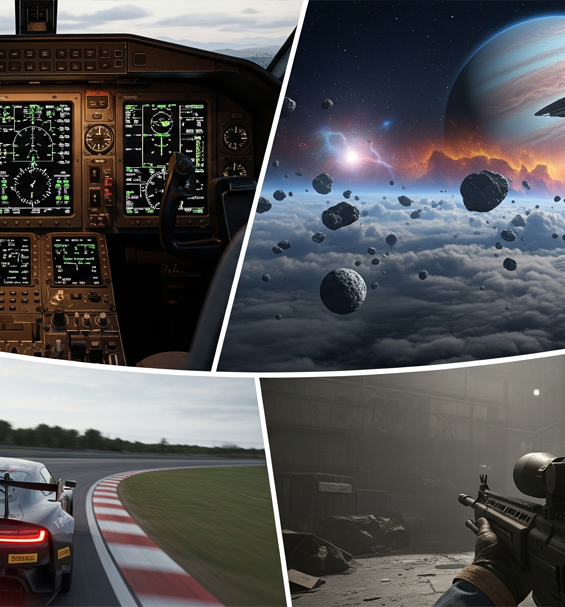
A selection of top 5 games head tracking transforms for sim gaming

Thinking about getting a head tracker but not sure where to start? While compatible with hundreds of titles, some games feel like they were built from the ground up for 6DOF tracking. Therefore, a quality setup does not just add a feature, it fundamentally changes how you play.

In addition, pairing high-precision hardware with open-source tools like OpenTrack guarantees instant compatibility. As a result, let us explore our top 5 games head tracking reshapes for maximum cockpit immersion.

Top 5 Games Head Tracking Enhances for Simulation

1. Microsoft Flight Simulator 2020

First, this is the definitive flight simulator for virtual pilots. For instance, the sense of presence you get from naturally looking around the cockpit or peering out the window is unparalleled. Because monitoring instruments requires quick glances, smooth movement remains essential equipment.

2. Elite Dangerous

Second, navigating the vastness of space requires total situational awareness. Specifically, in a dogfight, tracking an enemy ship by looking through your cockpit canopy gives you a massive tactical advantage. Furthermore, this natural vision control makes space exploration feel completely fluid.

3. Assetto Corsa Competizione

Third, in the world of GT racing, every fraction of a second counts. For example, a quality setup lets you look into the apex of a corner as you approach it. Consequently, checking your mirrors for rivals becomes second nature, bringing you closer to a real race cockpit.

4. Arma 3

Fourth, this military simulator relies heavily on tactical awareness. Because you can independently control your view from your weapon’s aim, scanning the horizon while keeping your rifle ready becomes effortless. Therefore, you peek around cover smoothly without exposing your whole body.

5. Euro Truck Simulator 2 / American Truck Simulator

Finally, these heavy hauling simulators become far more realistic with dynamic head movement. In addition, checking your blind spot before a lane change or leaning to reverse into a tight loading bay feels natural. As a result, you will wonder how you ever drove without full vision control.

Why Custom Vision Tracking Changes Sim Gaming

Ultimately, adding directional tracking brings intuitive realism across all top driving and flying games. Furthermore, lightweight gear allows hours of comfortable gameplay without uncomfortable VR headsets.

Posted on

Why a USB Infrared Head Tracker is the Best Choice for Sim Racing

Why a USB Infrared Head Tracker is the Best Choice for Sim Racing

Choosing a usb infrared head tracker sim racing setup provides instantaneous positional tracking without breaking your budget. Specifically, tracking infrared points eliminates latency during high-speed wheel-to-wheel battles. Consequently, virtual drivers gain maximum spatial awareness when navigating tight chicanes and crowded grids.

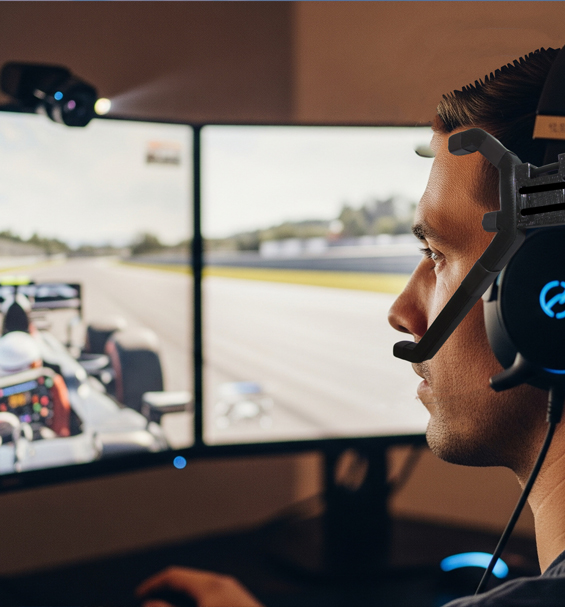
A usb infrared head tracker sim racing setup showing an active cockpit

In sim racing, milliseconds decide positions. While responsive wheels and load-cell pedals form your core foundation, situational awareness transforms your racecraft. Many simmers search for affordable tracking gear that keeps up with sudden maneuvers. A dedicated active optical setup delivers the ideal solution for competitive virtual motorsports.

Precision and Zero Latency Across Every Lap

Unlike standard webcams that process visible light, an active optical system filters out background room lighting. The tracking sensor monitors bright active points mounted to your headset. Because hardware filtering isolates these points instantly, system overhead drops significantly. You experience zero input delay when checking side mirrors or looking deep into a corner apex.

Furthermore, consistent lighting control prevents sudden tracking loss when room light changes. Whether you race in total darkness or a lit office, your camera locks onto your clip continuously. This reliability is vital during multi-hour endurance events in games like iRacing and Assetto Corsa Competizione.

Custom Mapping with Open-Source Tools

Pairing hardware points with software like OpenTrack grants complete freedom over your view settings. You can tweak motion curves, set smooth deadzones, and dial in rotational multipliers. Small physical head movements translate to full cockpit views without straining your neck.

In addition, separating physical hardware from closed software protects your investment. If a cable wears down over time, replacing individual components is quick and inexpensive. You never need to replace the entire system just to fix a single worn wire.

USB Infrared Head Tracker Sim Racing Advantages

Using a usb infrared head tracker sim racing configuration delivers high performance without the steep price tag of closed commercial units. You achieve crisp 6DOF tracking that tracks pitch, yaw, roll, and translation simultaneously. As a result, leaning forward to read your dash or turning to check a blind spot feels natural.

Ultimately, combining open mapping software with active hardware provides professional performance. It gives you the track awareness needed to defend positions and avoid collisions consistently.

Posted on

The Ultimate Guide to Setting Up Head Tracking

The Ultimate Guide to Setting Up Head Tracking in Assetto Corsa

Following a clear assetto corsa head tracking guide ensures your virtual cockpit feels natural and responsive. Specifically, active optical tracking delivers real-time 6DOF motion across Assetto Corsa and ACC. Consequently, drivers gain instant spatial awareness, making wheel-to-wheel racing safer and far more immersive.

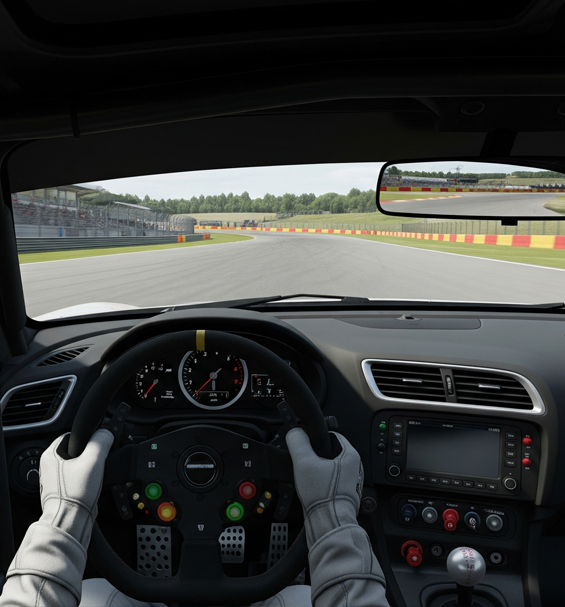
A detailed assetto corsa head tracking guide showing a GT car cockpit view

Assetto Corsa and ACC remain premier driving titles for sim racers around the world. However, fixed cockpit cameras limit your ability to spot apexes or check side mirrors naturally. Configuring a dedicated optical clip provides smooth head motion without needing bulky headsets or expensive display arrays.

Step 1: OpenTrack Software Configuration

To start, download and launch the latest version of OpenTrack. Set your input to PointTracker 1.1 when using an active infrared clip. Next, set your output protocol to freetrack 2.0 Enhanced, which provides native compatibility with Assetto Corsa. Finally, choose the Accela filter to smooth out minor motion jitter.

Press the Start button to test your input. The 3D octopus model should move smoothly as you rotate your head. Always assign a dedicated keyboard or steering wheel button to the Center command before jumping on track.

Step 2: In-Game Camera Settings

Launch Assetto Corsa or ACC and navigate directly to the View options menu. Make sure you select the main Cockpit View camera, as external chase views disable tracking signals. Set the Lock to Horizon slider near 50% to balance chassis motion with visual stability on bumpy circuits.

In addition, disable artificial head movement scripts or camera shake plugins. These third-party mods often interfere with incoming tracking data, causing erratic camera jumps during hard cornering.

Step 3: Assetto Corsa Head Tracking Guide Curve Tuning

Return to OpenTrack and open the Mapping menu to adjust response curves for Yaw and Pitch. For sim racing, you want a gentle non-linear curve. Set your Yaw axis so that rotating your head 20 degrees physically turns your in-game view 90 degrees. This balance allows you to check side mirrors effortlessly without taking your eyes off the screen.

Furthermore, add a small 2-degree deadzone around the center position. This keeps your view steady down long straights while preserving instant response during tight corner entries.

Ultimately, calibrating your optical clip properly unlocks unmatched cockpit awareness. You can react faster to nearby cars and hit apexes with total confidence every single lap.